Email from your supplier to Your ERP
Your supplier confirms something other than you ordered.
Confirmation against your order in the order system (ERP). Your buyer decides.
Wholesale Manufacturing
Use case · Any sector
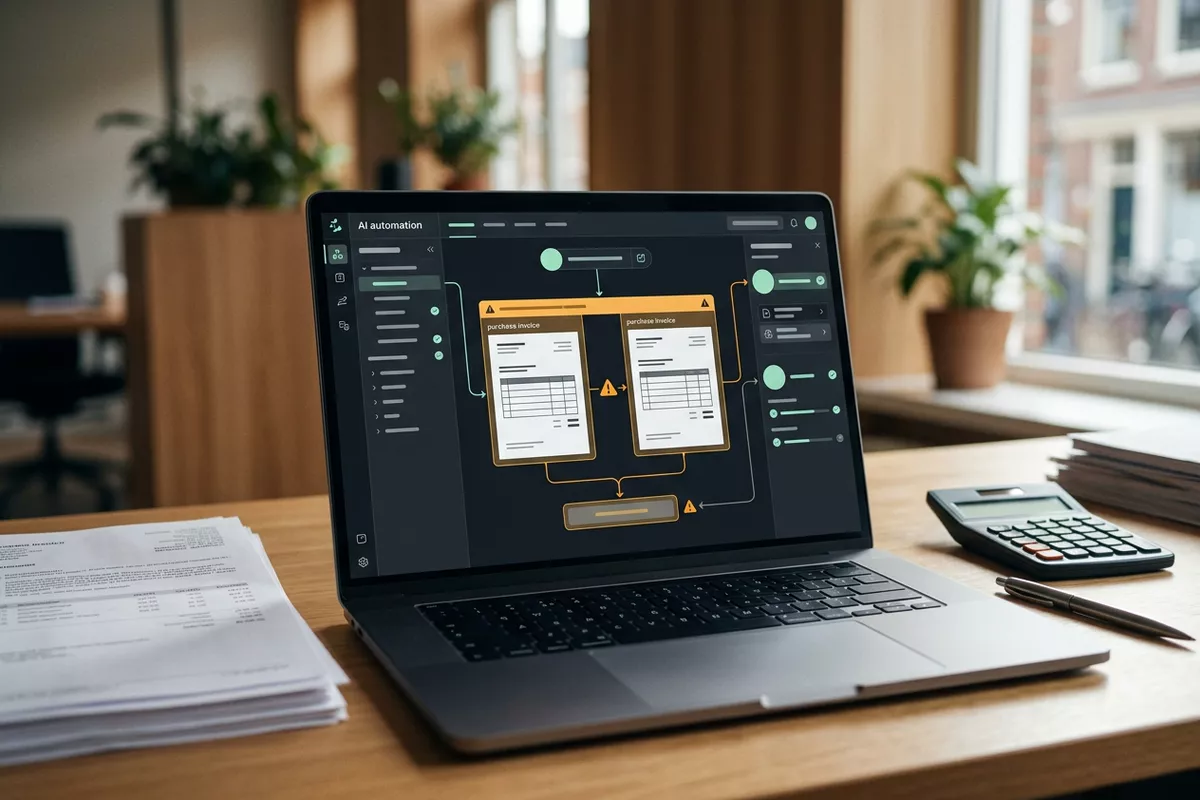
Purchase invoices are checked by eye, so a duplicate invoice or a higher price can go unnoticed. The automation compares the invoice with the order and with earlier invoices; your finance team decides what gets paid.
Free · 30 minutes online · one process · no obligation After that: pilot from €2,450 · monthly package from €295 · excl. VAT
How the work runs
AIstap
the automation
Accounting softwareFICTIONAL EXAMPLE
Purchase invoice F-20418To be checked
In doubt? To your team first.
F-20418 has the same amount and order as F-20381 from last month. Your finance team decides.
An invoice looks like an earlier one from the same supplier, but the two are not laid side by side.
To check a price, someone looks up the order and the agreement, if there is time for it.
A typo in an amount only shows after payment, sometimes only at the year-end closing.
4 steps by hand
2 steps for your team
Possible impact, not a promise: what it brings depends on your process.
An example. What we build for you is agreed upfront.
Where the purchase invoices arrive.
A connection to the mailbox the purchase invoices arrive in.
Supplier, amount, lines and bank account.
Reading the invoice: supplier, order, amount, lines and bank account.
Duplicate, different price or new bank account lights up.
A check of the invoice against order and history; anything odd lights up for your team.
Your finance team sees why an invoice stands out.
A signal to your finance team, with the reason why the invoice stands out.
An example. Slide to your own numbers.
Full ring: one working week of 40 hours. Based on 5 working days a week.
What remains after automation is something we look at in the free analysis.
The automation prepares. Your people approve and decide when something is unclear.
The automation
Your finance team
Try it yourself
Purchase invoice F-20418To be checked
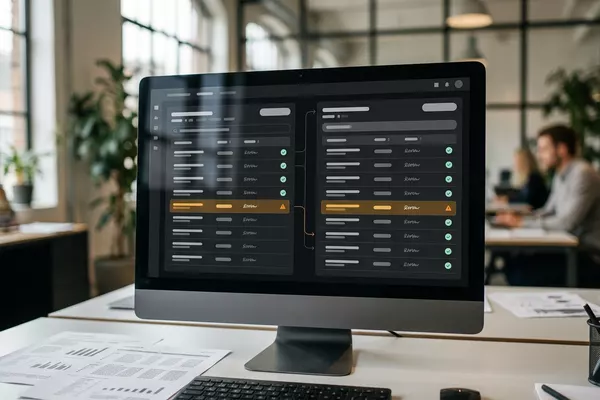
CheckSame as F-20381?
If an invoice looks like an earlier one, your finance team sees it first. The automation does not decide on paying.
The automation
Your team
Your finance team decides whether an invoice is paid. In this set-up the automation pays nothing itself and does not call suppliers.
A question to your supplier only goes out once your finance team approves. In this set-up the automation sends no message by itself.
Which connection is possible is something we look at in the free analysis.
The invoices arrive in your own mailbox and are compared with the data in your own accounting software. Whether and how your system can be connected is something we look at in the free analysis.
In this example
From mailbox to accounting software: one process, two systems. The size of a pilot.
€0
You show us one process.
from€2,450
One working automation.
from€295/month
We keep it running.
Prices excl. VAT
All prices and stepsNo. In this set-up the automation runs the check and prepares the invoice. Paying is done by your finance team, in the system you use for it today.
For example an invoice that came in before, a price that differs from the order or a changed bank account. What is feasible for you is something we look at in the free analysis.
Then the automation compares with earlier invoices from the same supplier. Whatever cannot be judged that way goes to your finance team.
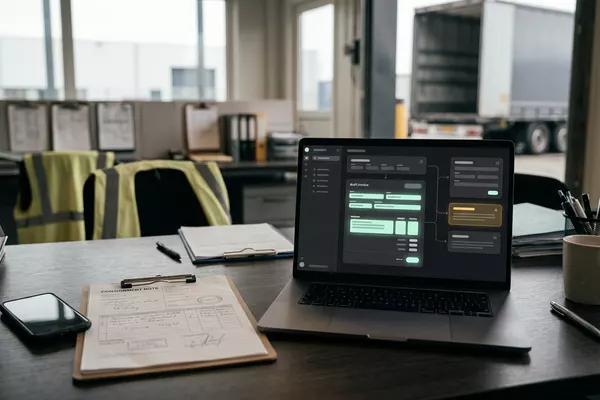
Email from your supplier to Your ERP
Confirmation against your order in the order system (ERP). Your buyer decides.
Wholesale Manufacturing
Photo from your driver to Your accounting
From signed consignment note (CMR) to a draft invoice.
Logistics
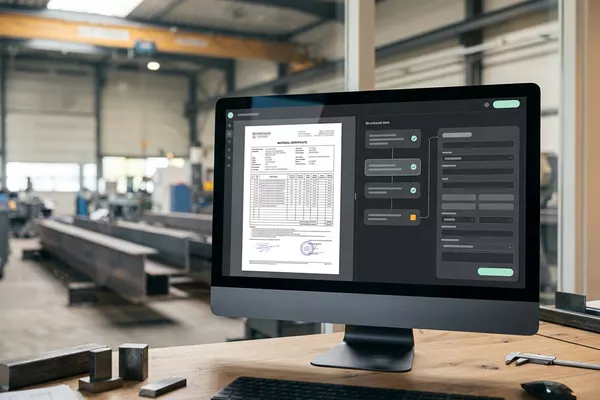
Email from your supplier to Your order system
Certificate prepared with the delivery. Your quality officer approves.
Manufacturing Wholesale
ERP: the system that holds your orders, stock and invoices. CMR: the consignment note.
Step 0 · free
Free, no obligation
Prefer to email directly? [email protected]