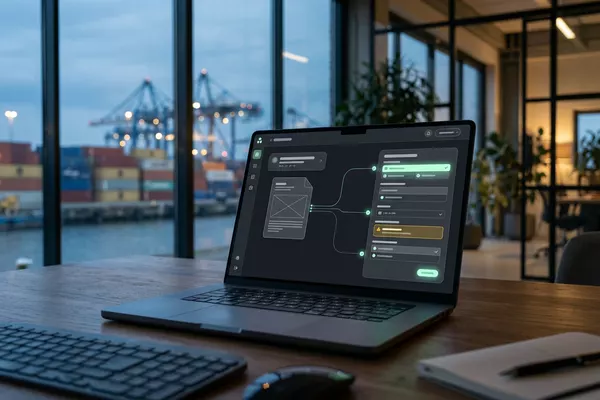
Email from your customer to Your TMS
Stop retyping transport orders.
Prepared in your planning software (TMS). Your planner decides.
Logistics
Use case · Logistics
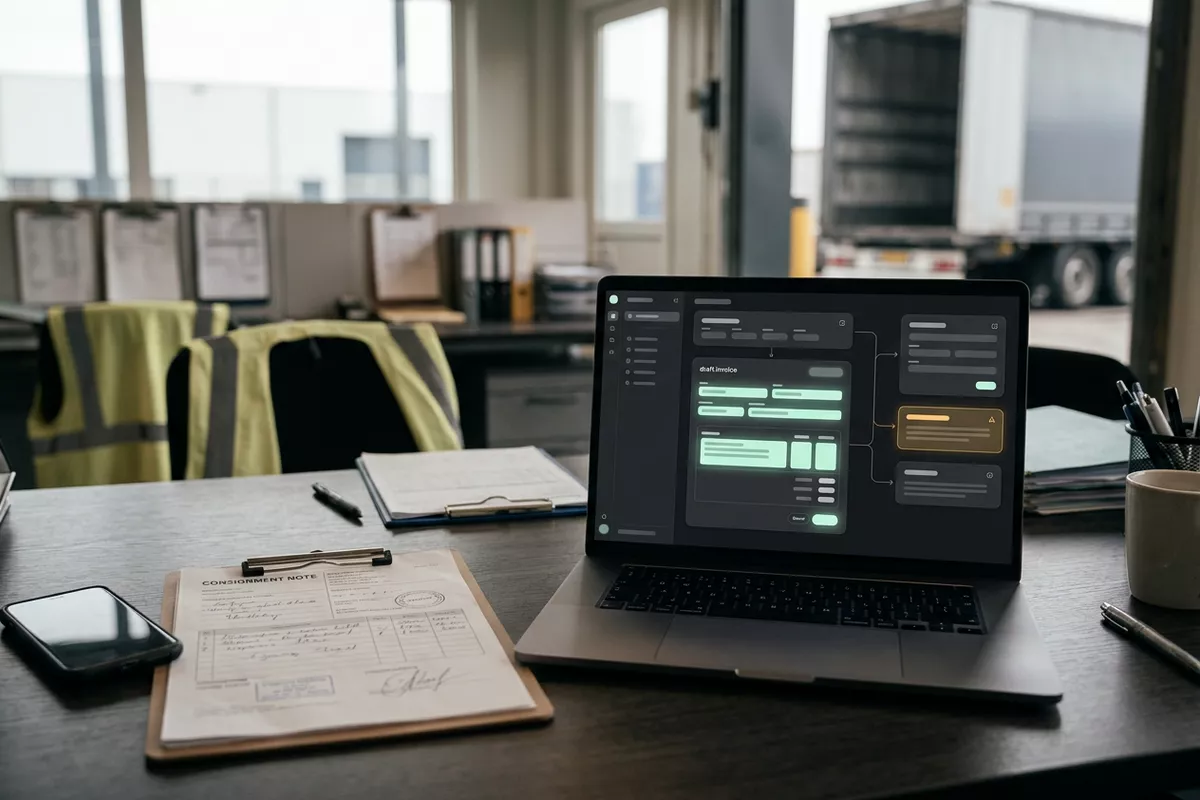
Signed consignment notes (CMR) arrive as a photo or a scan and your admin team looks up the trip before the invoice can go out. The automation prepares a draft invoice; your admin team checks it and sends it.
CMR: the consignment note.
Free · 30 minutes online · one process · no obligation After that: pilot from €2,450 · monthly package from €295 · excl. VAT
How the work runs
AIstap
the automation
Your accountingFICTIONAL EXAMPLE
Draft invoice · trip 4471Draft
In doubt? To your team first.
The consignee wrote on the consignment note: 1 pallet damaged. Your admin team decides.
The signed consignment note stays in the cab for days, and until then the invoice cannot go out.
For a photo or scan, someone looks up the right trip in the planning software.
At the end of the week there is a pile of consignment notes that still has to be invoiced.
4 steps by hand
2 steps for your team
Possible impact, not a promise: what it brings depends on your process.
An example. What we build for you is agreed upfront.
The driver's photo or scan arrives here.
A connection to the mailbox where photos and scans of the consignment notes arrive.
Trip, date, quantity, signature and remarks.
Reading the consignment note: trip, date, quantity, signature and the consignee's remarks.
The note linked to the trip in your planning.
Finding the matching trip in your planning software, so note and trip belong together.
Final only once your admin team has approved.
Preparing a draft invoice in your accounting software; final only once your admin team approves.
An example. Slide to your own numbers.
Full ring: one working week of 40 hours. Based on 5 working days a week.
What remains after automation is something we look at in the free analysis.
The automation prepares. Your people approve and decide when something is unclear.
The automation
Your admin team
Try it yourself
Draft invoice · trip 4471Draft
Remark1 pallet damaged
If the consignment note mentions damage or a shortage, your admin team sees the trip first. The automation does not guess.
The automation
Your team
Whether a damage report is right and whether a surcharge applies is for your team. In this set-up the automation does not judge damage.
Your admin team sends an invoice to your customer itself. In this set-up no invoice goes out without your admin team.
Which connection is possible is something we look at in the free analysis.
Notes arrive in your own mailbox, the trip is in your planning software and the draft invoice lands in your accounting software. Whether that can be connected is looked at in the free analysis.
In this example
Signed note to draft invoice: one process, three systems. The size of a pilot.
€0
You show us one process.
from€2,450
One working automation.
from€295/month
We keep it running.
Prices excl. VAT
All prices and stepsOften it is, if the photo is sharp. We test that in the pilot with your real consignment notes. Whatever cannot be read with certainty goes to your admin team first.
No. In this set-up the invoice is prepared as a draft. Your admin team checks it and sends it.
It is read and shown. If it mentions damage or a shortage, the trip goes to your admin team first.
Email from your customer to Your TMS
Prepared in your planning software (TMS). Your planner decides.
Logistics
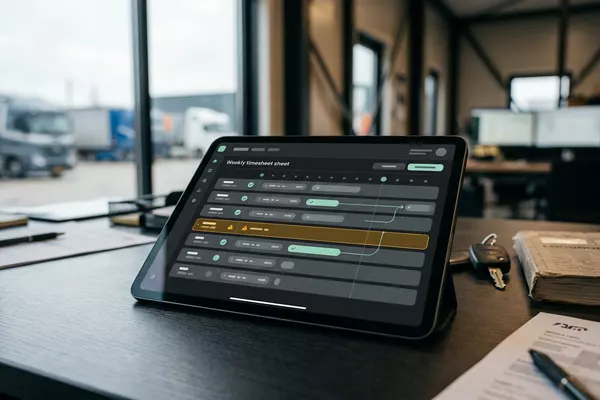
Driver's timesheet to Your time records
Hours per driver prepared; your admin team approves.
Logistics
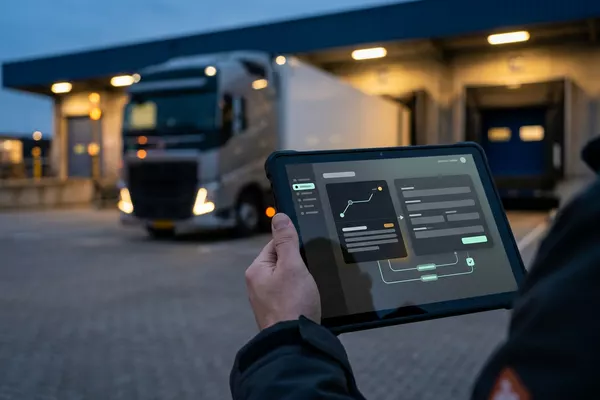
Invoice and packing list to Your customs file
Customs declaration drafted; your customs clerk files it.
Logistics Wholesale Manufacturing
TMS: the software you plan your trips in.
Step 0 · free
Free, no obligation
Prefer to email directly? [email protected]