Photo from your driver to Your accounting
The trip is done, but the invoice waits for the signed note.
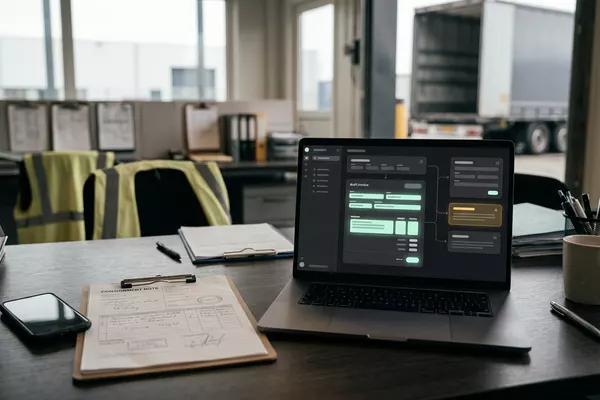
From signed consignment note (CMR) to a draft invoice.
Logistics
Use case · Logistics
Drivers hand in their timesheet as a photo, spreadsheet or chat message, and your admin team retypes the hours and allowances for payroll. The automation prepares the hours per driver and compares them with the trips; your admin team approves.
Free · 30 minutes online · one process · no obligation After that: pilot from €2,450 · monthly package from €295 · excl. VAT
How the work runs
AIstap
the automation
Your time recordsFICTIONAL EXAMPLE
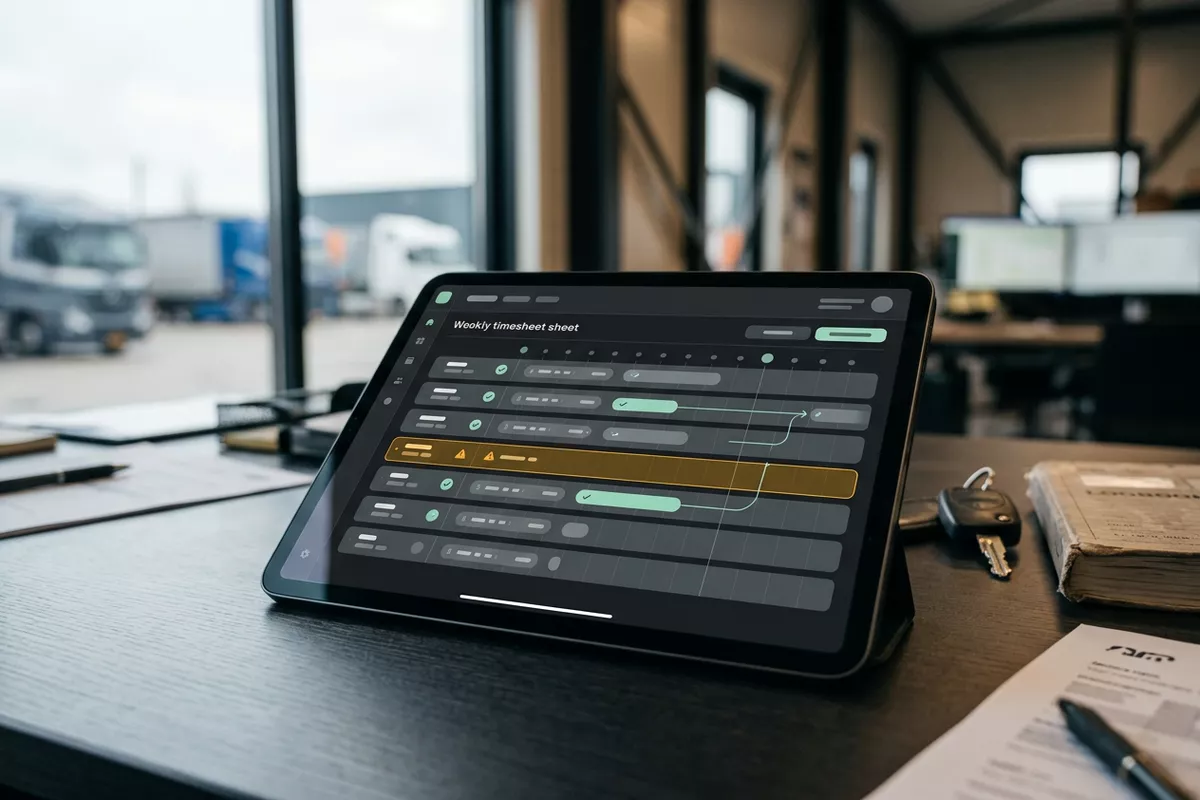
Timesheet week 40 · Driver 12To be checked
In doubt? To your team first.
On 01-10 the timesheet shows no break; the planned trip has 45 minutes. Your admin team decides.
Drivers hand in their hours in different ways: as a photo, in a spreadsheet or in a chat message.
Someone retypes the start and end times per driver and per day.
Timesheet and trip differ, and that only shows when the payslip is wrong.
4 steps by hand
1 step for your team
Possible impact, not a promise: what it brings depends on your process.
An example. What we build for you is agreed upfront.
Start, end, break and night away per day.
Reading the timesheet, also as a photo: start, end, break and night away per day.
Times given next to the planned trips.
The hours are laid next to the planned trip; when in doubt, your admin team decides.
Normal hours, overtime and allowances by your rules.
Adding up normal hours, overtime and allowances by the rules you supply.
Per driver; final only once approved.
Hours per driver are prepared in your time records; final only after your admin team approves.
An example. Slide to your own numbers.
Full ring: one working week of 40 hours. Based on 5 working days a week.
What remains after automation is something we look at in the free analysis.
The automation prepares. Your people approve and decide when something is unclear.
The automation
Your admin team
Try it yourself
Timesheet week 40 · Driver 12To be checked
Break 01-10No break?
If something is missing or the trip does not match, your admin team sees it first. The automation fills nothing in by guessing.
The automation
Your team
Your admin team approves the hours, talks to drivers and runs payroll. In this set-up the automation judges no one and calculates no wages.
In this set-up no hours go to payroll without the approval of your admin team. The automation does not calculate wages itself.
Which connection is possible is something we look at in the free analysis.
The hours arrive as photo, spreadsheet or chat message, are laid next to the trips in your planning software and prepared in your time records. We look at connecting them in the free analysis.
In this example
From timesheet to time records: one process, two systems. The size of a pilot.
€0
You show us one process.
from€2,450
One working automation.
from€295/month
We keep it running.
Prices excl. VAT
All prices and stepsNo. The automation adds up hours and allowances by the rules you supply and prepares them. The wage calculation stays in your payroll software or with your payroll office.
Often, not always. We test that in the pilot with real timesheets. Whatever cannot be read with certainty stays open for your admin team.
It is personal data; it stays in your own systems. First we agree which data is needed and who may see it. If you have a works council, you involve it beforehand.
Photo from your driver to Your accounting
From signed consignment note (CMR) to a draft invoice.
Logistics
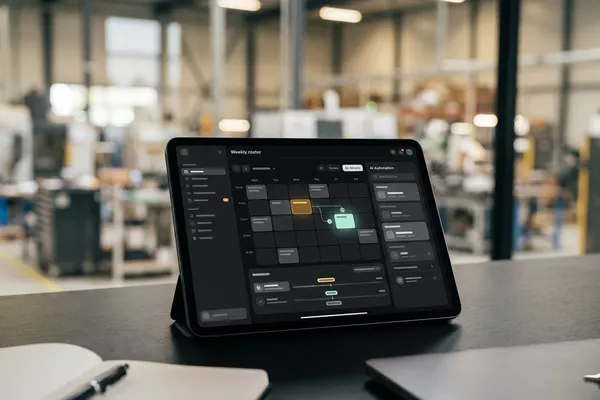
Sick call by message to Your roster
Proposed cover; your team lead chooses, the colleague confirms.
Multiple locations Logistics
Email from your customer to Your TMS
Prepared in your planning software (TMS). Your planner decides.
Logistics
CMR: the consignment note. TMS: the software you plan your trips in.
Step 0 · free
Free, no obligation
Prefer to email directly? [email protected]