Supplier price list to Your ERP
Stop retyping supplier price lists.
New purchase prices, prepared in your order system (ERP). Your buyer decides.
Wholesale Manufacturing
Use case · Wholesale
Your customers order by email, and your order desk retypes every line into the order system (ERP). The automation prepares the order lines. Your order desk checks them, sorts out the exceptions and approves.
ERP: the system that holds your orders, stock and invoices.
Free · 30 minutes online · one process · no obligation After that: pilot from €2,450 · monthly package from €295 · excl. VAT
How the work runs
AIstap
the automation
Your ERPFICTIONAL EXAMPLE
Order customer 10482 · 3 linesDraft order
In doubt? To your team first.
Item number 770193 is not in your ERP. Your order desk picks the right item.
On Monday morning the order desk's mailbox is full of orders.
A customer uses their own description, and someone looks up the right item number.
Your customer is waiting for an order confirmation while the order is still unread in the mailbox.
4 steps by hand
1 step for your team
Possible impact, not a promise: what it brings depends on your process.
An example. What we build for you is agreed upfront.
Sees which orders arrive.
A connection to the mailbox the orders arrive in.
Customer, item and quantity per line.
Reading email text, PDF and Excel: customer, item and quantity per line.
Unknown item? To your order desk first.
A check: lines without a known item number or quantity go to your order desk first.
Final only after your order desk approves.
Preparing the order lines in your ERP; final only once your order desk has approved them.
An example. Slide to your own numbers.
Full ring: one working week of 40 hours. Based on 5 working days a week.
What remains after automation is something we look at in the free analysis.
The automation prepares. Your people approve and decide when something is unclear.
The automation
Your order desk
Try it yourself
Order customer 10482 · 3 linesDraft order
Line 325 × item 770193?
A line the automation is not sure about stays open. Your order desk sees it with the email attached.
The automation
Your team
A different price, a substitute item or a rush delivery: your order desk arranges that. In this set-up the automation promises nothing.
The order only becomes final when your order desk approves it. In this set-up the automation does not send a confirmation to your customer.
Which connection is possible is something we look at in the free analysis.
The mailbox the orders arrive in and the ERP your order desk works in. In the free analysis we look at whether and how your ERP can be connected.
In this example
From mailbox to ERP: one process, two systems. The size of a pilot.
€0
You show us one process.
from€2,450
One working automation.
from€295/month
We keep it running.
Prices excl. VAT
All prices and stepsIf those numbers are stored per customer in your ERP and the automation can see them, it uses them. If the item is uncertain, the line goes to your order desk first.
Only if the automation can see those agreements in your ERP. Whether it can is something we look at in the free analysis. In this set-up the automation does not change prices.
We check in the free analysis whether your ERP can be connected. For the pilot you arrange an account or a test environment, or your IT partner joins in briefly.
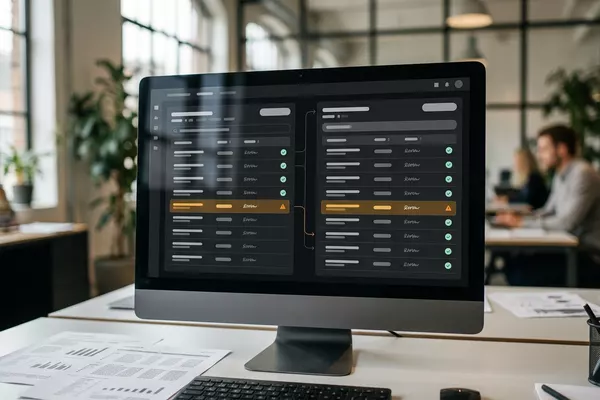
Supplier price list to Your ERP
New purchase prices, prepared in your order system (ERP). Your buyer decides.
Wholesale Manufacturing
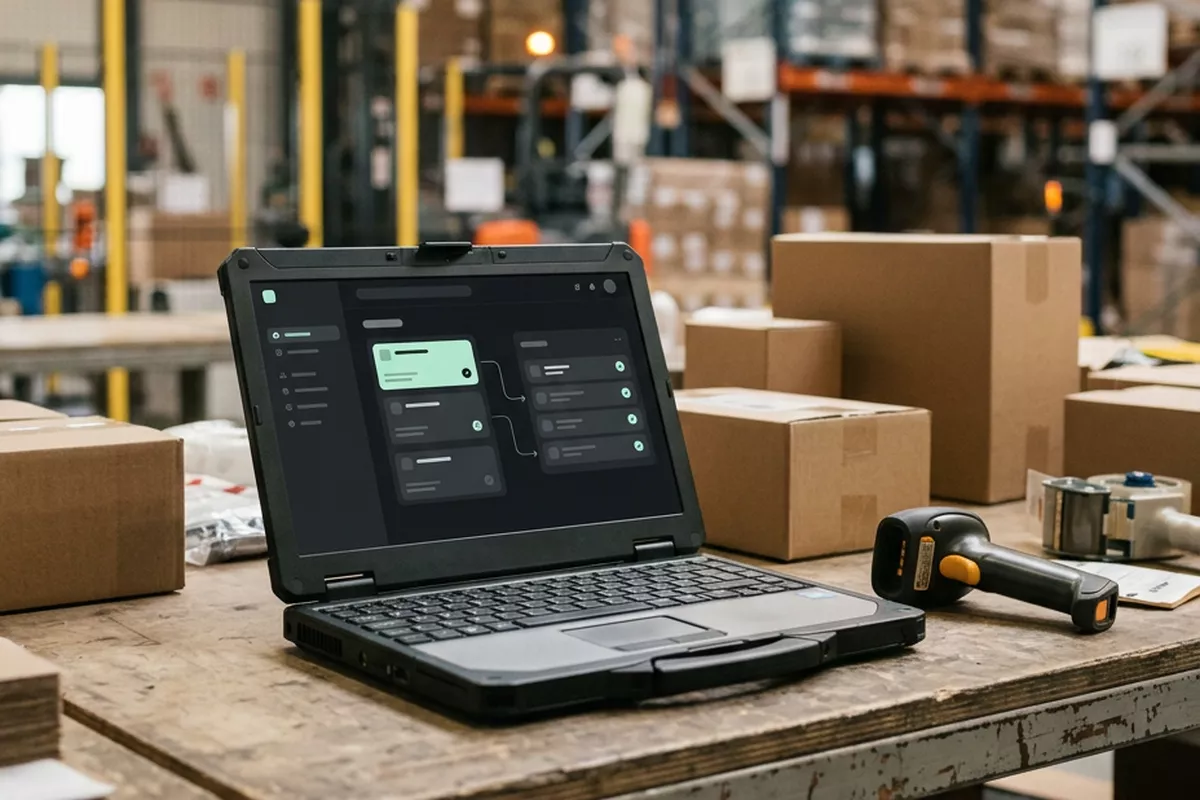
Email from your supplier to Your ERP
Confirmation against your order in the order system (ERP). Your buyer decides.
Wholesale Manufacturing
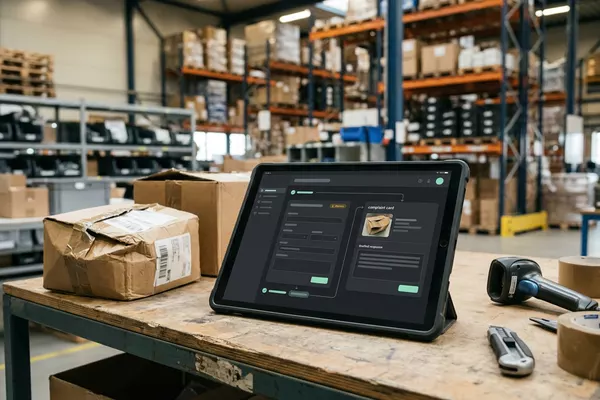
Email from your customer to Your order system
Complaint prepared on the order; your customer service decides.
Wholesale Manufacturing
Step 0 · free
Free, no obligation
Prefer to email directly? [email protected]