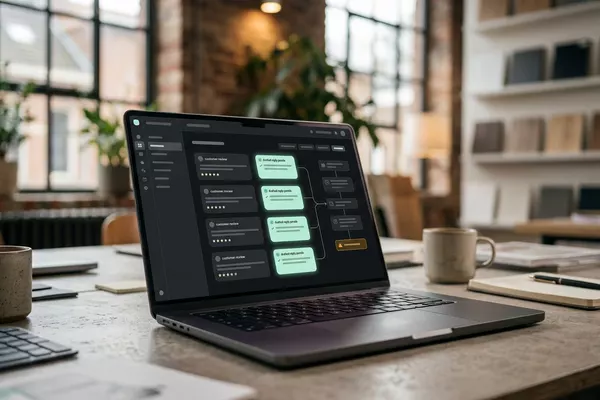
Email from your customer to Your mailbox
Stop looking up where your customer's order is.
Status found in the order system (ERP); draft reply. Your desk sends.
Wholesale Logistics
Use case · Wholesale · Manufacturing
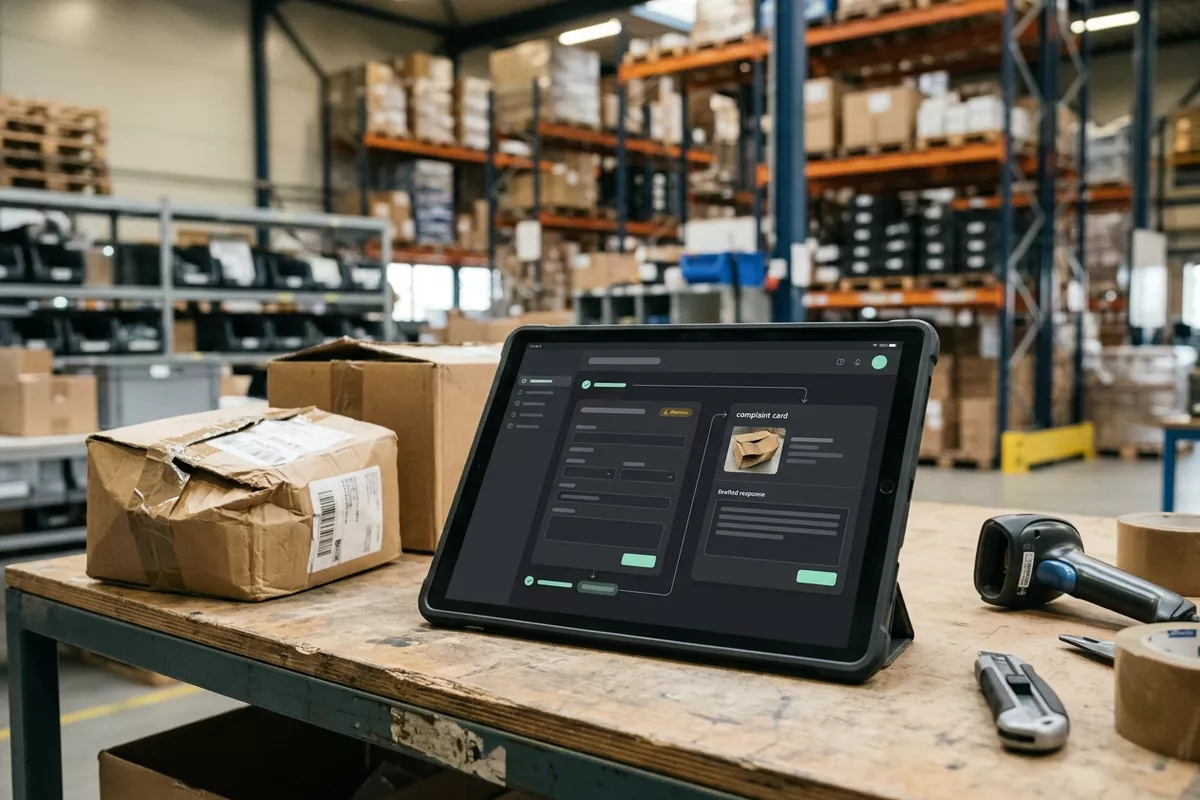
A complaint or return arrives by email, often with a photo, and stays with one colleague. The automation prepares the report on the right order and proposes who handles it; your customer service decides on the solution.
Free · 30 minutes online · one process · no obligation After that: pilot from €2,450 · monthly package from €295 · excl. VAT
How the work runs
AIstap
the automation
Your order systemFICTIONAL EXAMPLE
Complaint · customer 10731For review
In doubt? To your team first.
The customer names order 58214, but the items are on order 58241. Your customer service decides.
The complaint is in one colleague's mailbox, and that colleague is not in today.
Your customer calls again. The complaint is not on any order, so nobody knows what was agreed.
A return box is standing in the warehouse and nobody knows which order it belongs to.
4 steps by hand
1 step for your team
Possible impact, not a promise: what it brings depends on your process.
An example. What we build for you is agreed upfront.
Where complaints and returns arrive.
A connection to the mailbox where complaints and returns arrive.
Customer, order, item and what is wrong.
Reading the email (customer, order, item, what is wrong); the photo goes with it.
Order number does not fit? To your team first.
Finding the order; if the customer's order number does not fit, your customer service decides.
A proposal: who handles the complaint, and by when.
A proposal for the handler and the deadline; your customer service decides.
An example. Slide to your own numbers.
Full ring: one working week of 40 hours. Based on 5 working days a week.
What remains after automation is something we look at in the free analysis.
The automation prepares. Your people approve and decide when something is unclear.
The automation
Your customer service
Try it yourself
Complaint · customer 10731For review
Order58214 or 58241?
If the customer's order number does not fit the items, your customer service sees the complaint first. The automation does not guess.
The automation
Your team
What you offer the customer is decided by your team. In this set-up the automation chooses no solution and calls no one.
Any reply or promise to your customer is sent by your team. In this set-up the automation makes no promise.
Which connection is possible is something we look at in the free analysis.
The complaint arrives in your own mailbox and is prepared on the order in your order system. Whether and how your systems can be connected is something we look at in the free analysis.
In this example
From complaint to order: one process, two systems. The size of a pilot.
€0
You show us one process.
from€2,450
One working automation.
from€295/month
We keep it running.
Prices excl. VAT
All prices and stepsNo. In this set-up the complaint is prepared. What you offer the customer, and when, is decided and sent by your team.
We look at that in the free analysis. We check whether the report can land in your spreadsheet, or on the order in your order system.
This example is about complaints by email. Whether a short note of a phone call can follow the same route is something we look at in the free analysis.
Email from your customer to Your mailbox
Status found in the order system (ERP); draft reply. Your desk sends.
Wholesale Logistics
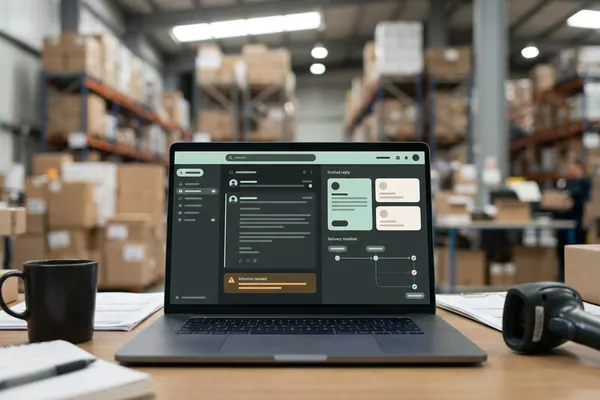
Customer reviews to Your review overview
Reviews read and grouped; your location manager decides.
Multiple locations
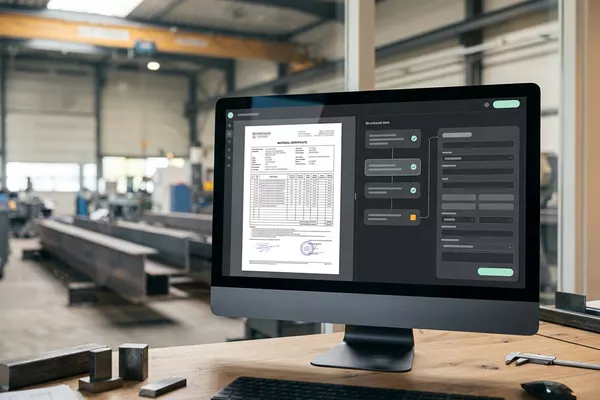
Email from your supplier to Your order system
Certificate prepared with the delivery. Your quality officer approves.
Manufacturing Wholesale
ERP: the system that holds your orders, stock and invoices.
Step 0 · free
Free, no obligation
Prefer to email directly? [email protected]