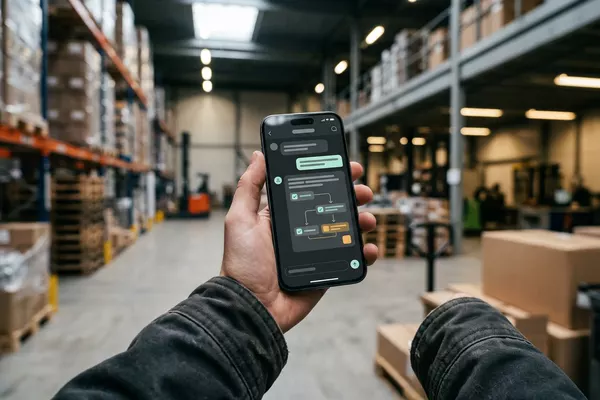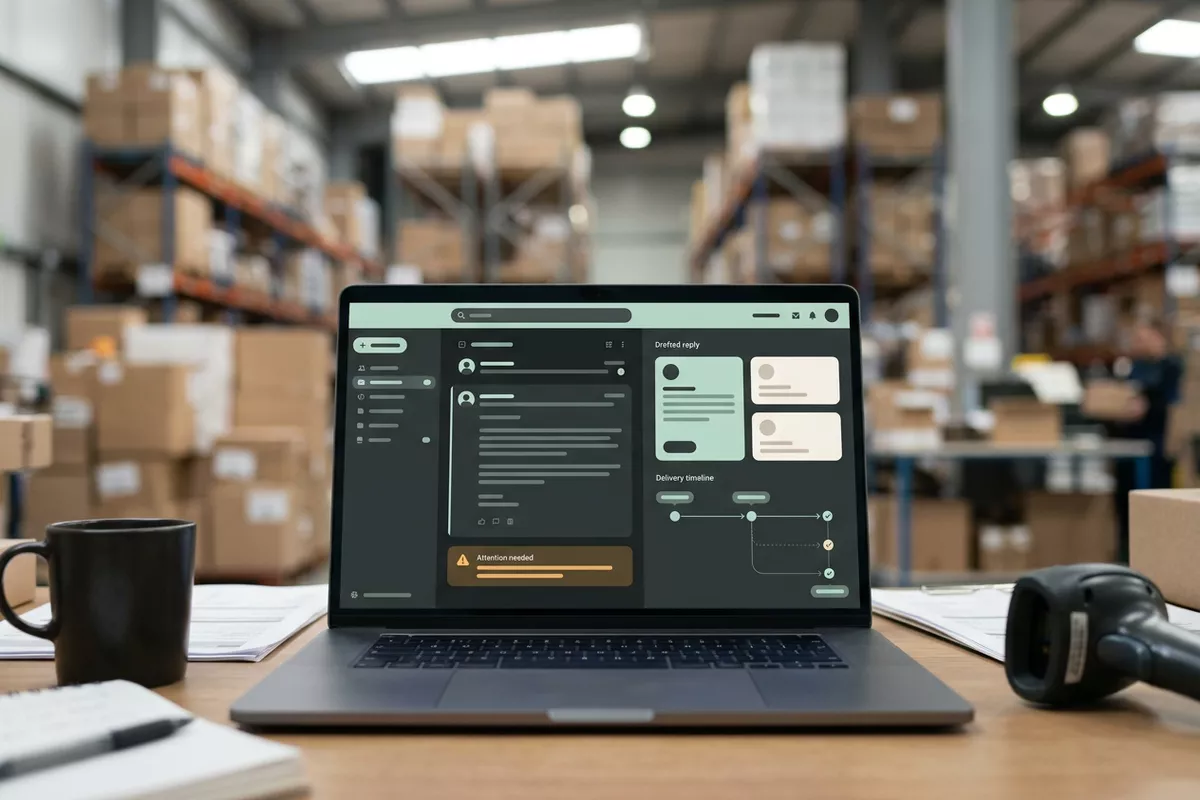
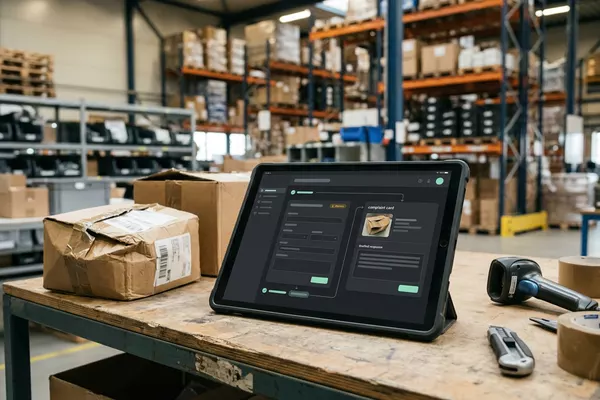
Email from your customer to Your order system
A complaint should not sit in one person's mailbox.
Complaint prepared on the order; your customer service decides.
Wholesale Manufacturing
Use case · Wholesale · Logistics
A customer asks where their order is. Someone looks it up in the order system (ERP) and the planning software (TMS) and calls the warehouse. The automation looks up the status and prepares a draft reply; your order desk checks it and sends it.
ERP: the system that holds your orders, stock and invoices. TMS: the software you plan your trips in.
Free · 30 minutes online · one process · no obligation After that: pilot from €2,450 · monthly package from €295 · excl. VAT
How the work runs
AIstap
the automation
Your mailboxFICTIONAL EXAMPLE
Reply · order 58307Draft
In doubt? To your team first.
The order system says delivery 02-10, the planning says 03-10. Your order desk decides.
An employee puts their work down again and again for the same customer question: where is my order?
The answer is scattered: the order in one system, the trip in another.
Someone calls the warehouse to ask for the expected delivery, and then calls the customer back.
4 steps by hand
1 step for your team
Possible impact, not a promise: what it brings depends on your process.
An example. What we build for you is agreed upfront.
Where your customers' questions arrive.
A connection to the mailbox your customers' questions arrive in.
Order, shipment and expected delivery from your systems.
Looking up order, shipment and expected delivery in your order system and planning software.
Two systems disagree? To your team first.
A check: if two systems disagree, your order desk sees the question first.
Draft in your mailbox. Your order desk sends.
A draft reply in the mailbox; it only goes out once your order desk sends it.
An example. Slide to your own numbers.
Full ring: one working week of 40 hours. Based on 5 working days a week.
What remains after automation is something we look at in the free analysis.
The automation prepares. Your people approve and decide when something is unclear.
The automation
Your order desk
Try it yourself
Reply · order 58307Draft
Delivery02-10 or 03-10?
If the order system and the planning disagree, your order desk sees that first. The automation does not pick a date itself.
The automation
Your team
Explaining a delay or offering a solution is done by your order desk. In this set-up the automation decides nothing about your customer.
In this set-up no reply goes to your customer without your order desk. The draft stays a draft until your team sends it.
Which connection is possible is something we look at in the free analysis.
The questions arrive in your own mailbox; the status is in your own order system and planning software. Whether and how they can be connected is something we look at in the free analysis.
In this example
From email question to draft reply: one process, three systems. A pilot-sized job.
€0
You show us one process.
from€2,450
One working automation.
from€295/month
We keep it running.
Prices excl. VAT
All prices and stepsNot in this set-up: your team reads the draft reply and sends it. The automation looks things up; the contact with your customer stays yours.
The automation only knows what is in your systems. If two systems disagree or the status is missing, your team sees that first.
This example is about questions by email. Whether phone or chat can work too is something we look at in the free analysis.
Email from your customer to Your order system
Complaint prepared on the order; your customer service decides.
Wholesale Manufacturing
Email from your customer to Your TMS
Prepared in your planning software (TMS). Your planner decides.
Logistics
Employee's question to Your knowledge base
Answers from your own documents, with the source.
Any sector
Step 0 · free
Free, no obligation
Prefer to email directly? [email protected]