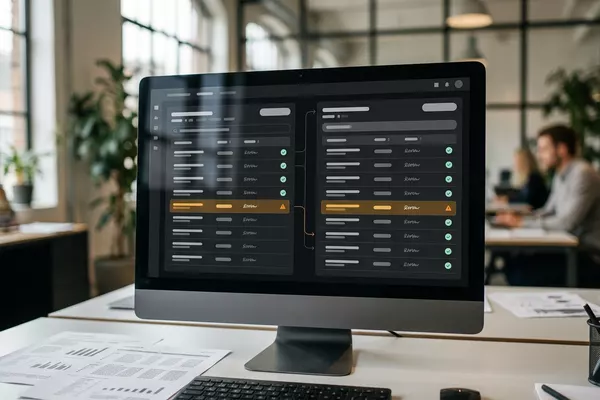
Supplier price list to Your ERP
Stop retyping supplier price lists.
New purchase prices, prepared in your order system (ERP). Your buyer decides.
Wholesale Manufacturing
Use case · Manufacturing
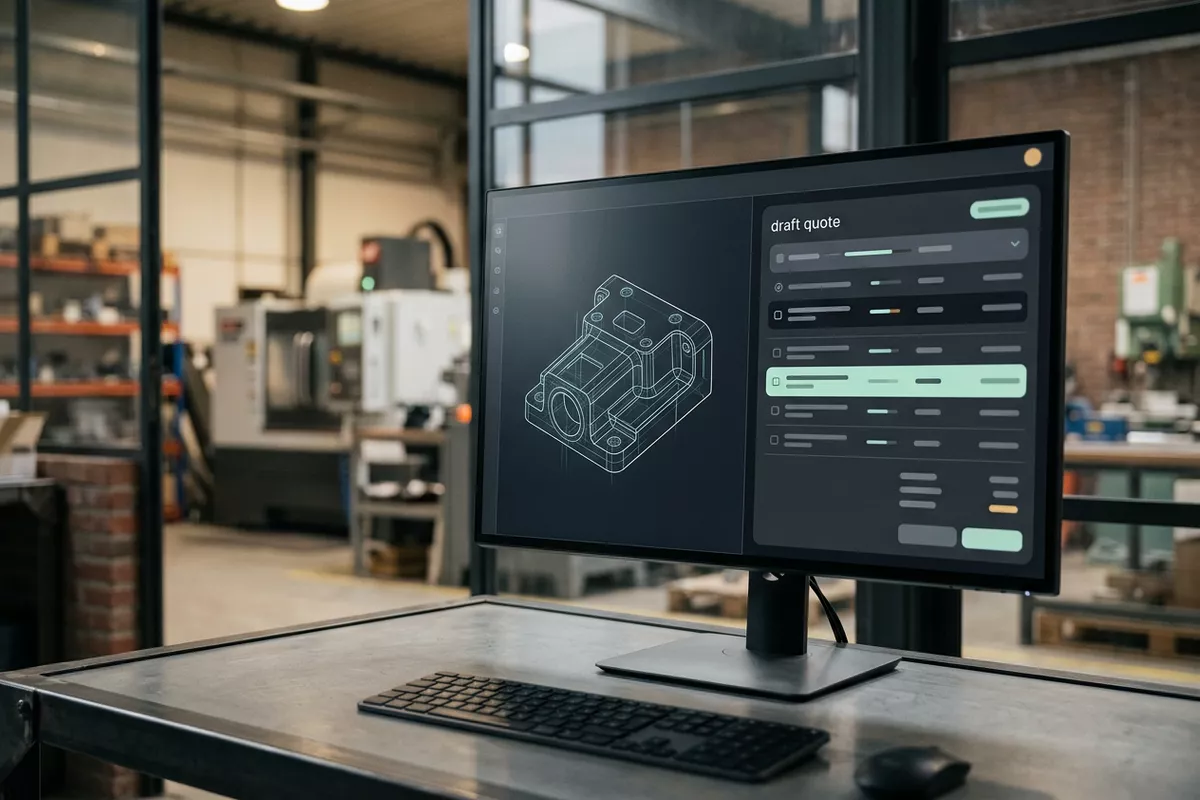
A quote request arrives with drawings and specifications. Your estimator copies everything into the costing piece by piece. The automation prepares the data as a draft. Your estimator starts with feasibility and price.
Free · 30 minutes online · one process · no obligation After that: pilot from €2,450 · monthly package from €295 · excl. VAT
How the work runs
AIstap
the automation
Your costingFICTIONAL EXAMPLE
Sheet-metal request · 3 partsDraft
In doubt? To your team first.
The request gives no material for P103. Your estimator asks the customer about it.
The data is scattered: quantities in the email, material on the drawing, the delivery date in an attachment.
Your estimator or production engineer retypes drawing numbers, quantities and material into the costing.
When it is busy, a request sits in the inbox and your customer waits for a price.
4 steps by hand
2 steps for your team
Possible impact, not a promise: what it brings depends on your process.
An example. What we build for you is agreed upfront.
Sees which requests arrive.
A connection to the mailbox the requests arrive in.
Parts, quantities, material and delivery date.
Reading the email and the PDF attachments: parts, quantities, material and delivery date.
Something missing? To your estimator first.
A check: whatever is missing or cannot be read with certainty goes to your estimator first.
Your estimator sets the price.
Preparing a draft in your costing. Your estimator sets the price.
An example. Slide to your own numbers.
Full ring: one working week of 40 hours. Based on 5 working days a week.
What remains after automation is something we look at in the free analysis.
The automation prepares. Your people approve and decide when something is unclear.
The automation
Your estimator
Try it yourself
Sheet-metal request · 3 partsDraft
MaterialP103: missing
If the material is missing or a drawing is unclear, your estimator looks at it first. The automation fills in nothing by itself.
The automation
Your team
Your estimator decides whether a part can be made and what it costs. The automation only prepares the data.
Your team sends the quote itself, after checking it. In this set-up the automation does not send a price to a customer.
Which connection is possible is something we look at in the free analysis.
Requests arrive in your own mailbox. The draft is meant for where you do your costing today: your costing software, your order system or Excel. In the free analysis we check whether that can be connected.
In this example
From request to draft: one process, two systems. The size of a pilot.
€0
You show us one process.
from€2,450
One working automation.
from€295/month
We keep it running.
Prices excl. VAT
All prices and stepsThe email and the PDF attachments. Whatever cannot be read with certainty stays open for your estimator. Whether it works with your drawings is tested in the pilot.
No. The data from the request is prepared in your costing. Your estimator sets the price, and your team sends the quote.
We check that in the free analysis: you show us what you do your costing in and how a request is handled. Then you know whether it can be done and where to start.
Supplier price list to Your ERP
New purchase prices, prepared in your order system (ERP). Your buyer decides.
Wholesale Manufacturing
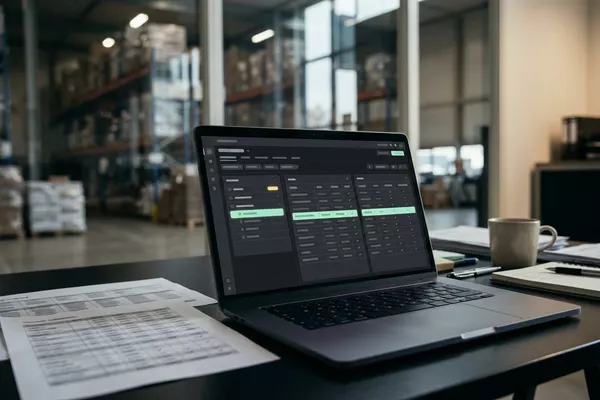
Email from your supplier to Your ERP
Confirmation against your order in the order system (ERP). Your buyer decides.
Wholesale Manufacturing
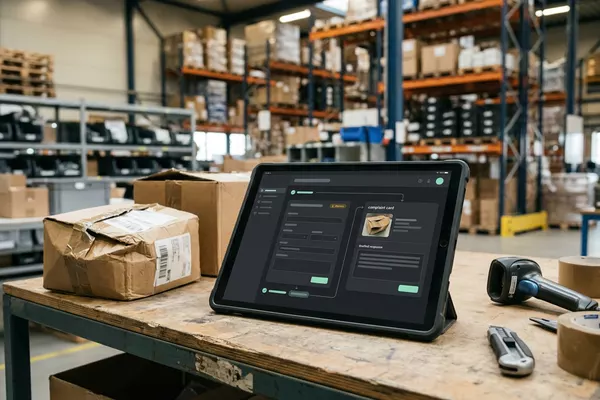
Email from your customer to Your order system
Complaint prepared on the order; your customer service decides.
Wholesale Manufacturing
ERP: the system that holds your orders, stock and invoices.
Step 0 · free
Free, no obligation
Prefer to email directly? [email protected]