Tasks and messages to Your work list
Everything looks urgent, and nobody knows what comes first.
Work list from your order system (ERP). Your team lead decides.
Any sector
Use case · Multiple locations
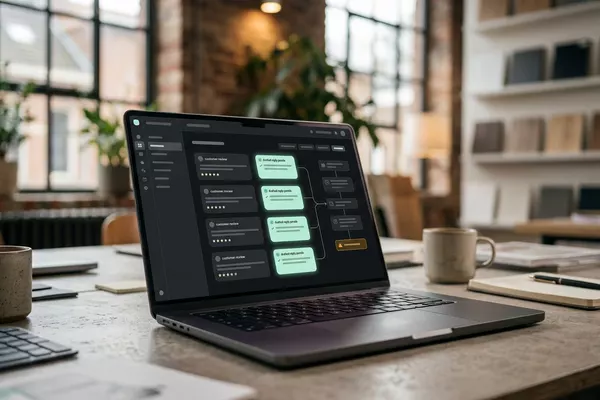
You have several locations, and every morning you check the till system (POS), the roster and the group chats to know what is going on. The automation turns it into one daily briefing. If something is missing, the question goes to your location manager first.
POS: the till system.
Free · 30 minutes online · one process · no obligation After that: pilot from €2,450 · monthly package from €295 · excl. VAT
How the work runs
AIstap
the automation
Your daily briefingFICTIONAL EXAMPLE
Briefing 06-10 · 5 locationsReady to read
In doubt? To your team first.
No till figures came in from Breda yesterday. Your location manager decides.
Takings are in the till system, staffing in the roster and problems in a group chat.
You call or message your managers to hear how yesterday went.
You only hear that a cooler has been failing for days when something goes wrong.
4 steps by hand
1 step for your team
Possible impact, not a promise: what it brings depends on your process.
An example. What we build for you is agreed upfront.
Tills, roster and problems per location.
Bringing together the tills, the roster and the problems of all your locations.
Yesterday next to a normal day, per location.
A comparison of yesterday with a normal day at the same location; what differs stands out.
Anything missing? To the location manager first.
A check: if a location's figures are missing, the question goes to your location manager first.
Short, with what needs your attention today.
A short daily briefing as a draft, with what needs your attention today.
An example. Slide to your own numbers.
Full ring: one working week of 40 hours. Based on 5 working days a week.
What remains after automation is something we look at in the free analysis.
The automation prepares. Your people approve and decide when something is unclear.
The automation
Your location manager
Try it yourself
Briefing 06-10 · 5 locationsReady to read
Tills4 of 5 in?
If figures from a location are missing, the question goes to your location manager first. The automation does not fill in a guess.
The automation
Your team
The briefing shows what stands out. What you do with it is up to you. In this set-up the automation decides nothing.
A question to a manager is sent by you or your team. In this set-up the automation sends nothing to your managers by itself.
Which connection is possible is something we look at in the free analysis.
The figures come from your till system (POS) and roster, with problems from a group chat and new reviews. Whether and how your systems can be connected is something we look at in the free analysis.
In this example
From tills and roster to one briefing: one process. The size of a pilot.
€0
You show us one process.
from€2,450
One working automation.
from€295/month
We keep it running.
Prices excl. VAT
All prices and stepsNo. The automation is designed to use what is already there: the figures and messages in your own systems. In this set-up a manager only gets a question when something is missing.
That differs per system, and we look at it in the free analysis. Without reliable access to your figures a briefing makes no sense, and we will say so.
No. In this set-up the briefing only shows what stands out, with the figures next to it. What you do with it is up to you.
Tasks and messages to Your work list
Work list from your order system (ERP). Your team lead decides.
Any sector
Customer reviews to Your review overview
Reviews read and grouped; your location manager decides.
Multiple locations
Sick call by message to Your roster
Proposed cover; your team lead chooses, the colleague confirms.
Multiple locations Logistics
ERP: the system that holds your orders, stock and invoices.
Step 0 · free
Free, no obligation
Prefer to email directly? [email protected]