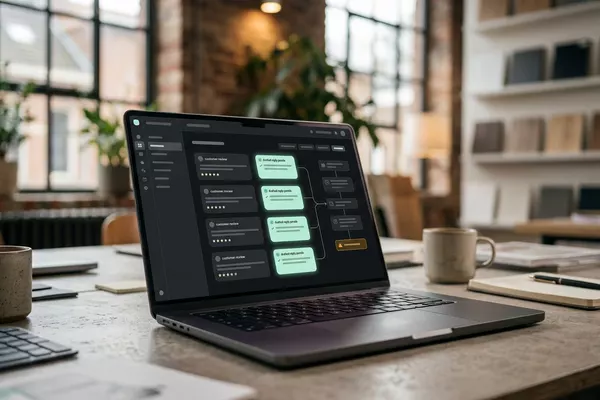
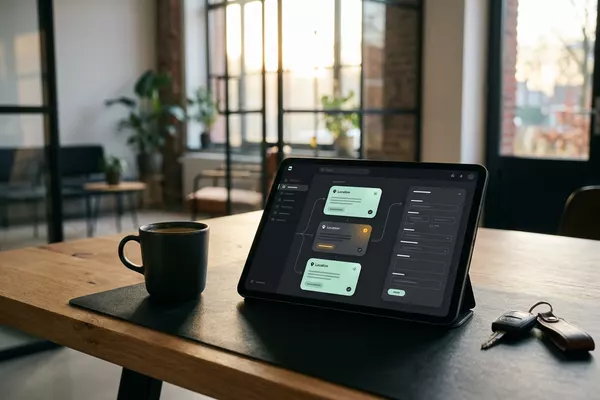
Figures per location to Your daily briefing
Stop opening five systems to know how things are going.
One daily briefing from your till system (POS) and roster. You decide.
Multiple locations
Use case · Any sector
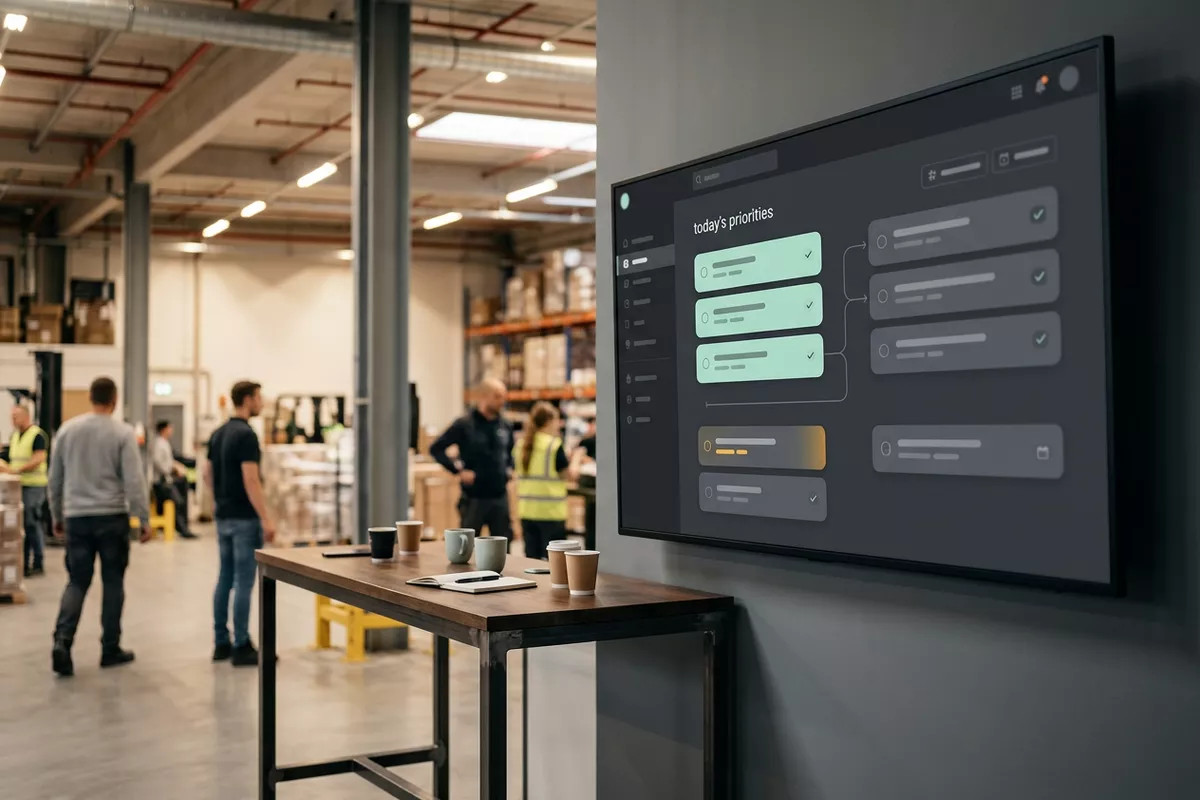
Orders, tasks and messages come in all day, and what comes first is a judgement call every time. The automation puts the open work from the order system (ERP) in a proposed order, with the reason. When something comes in between, your team lead decides what moves.
ERP: the system that holds your orders, stock and invoices.
Free · 30 minutes online · one process · no obligation After that: pilot from €2,450 · monthly package from €295 · excl. VAT
How the work runs
AIstap
the automation
Your work listFICTIONAL EXAMPLE
Work list 06-10 · 7 itemsProposal
In doubt? To your team first.
The rack C count is this afternoon, but a large delivery arrives at 14:00. Your team lead decides.
A rush order comes in between, everything seems equally urgent, and nobody is sure what comes first.
What has to happen today is scattered across mailboxes, a task list and loose notes.
At the end of the day it turns out the urgent order is the one that was left.
4 steps by hand
1 step for your team
Possible impact, not a promise: what it brings depends on your process.
An example. What we build for you is agreed upfront.
Orders, tasks and messages from your own systems.
Collecting open orders, tasks and messages from your mailbox, chat group and order system.
Not clear? To your team lead first.
A check on deadlines; if the order is unclear, the item goes to your team lead.
Each item shows its reason.
A work list with the reason per item; final only after your team lead approves.
Something comes in? Your team lead sees it.
An alert to your team lead when something comes in, with a proposed order.
An example. Slide to your own numbers.
Full ring: one working week of 40 hours. Based on 5 working days a week.
What remains after automation is something we look at in the free analysis.
The automation prepares. Your people approve and decide when something is unclear.
The automation
Your team lead
Try it yourself
Work list 06-10 · 7 itemsProposal
AfternoonCount or not?
If a large delivery comes in at 14:00, your team lead sees the item first. The automation does not choose what moves.
The automation
Your team
Your team decides which work goes first and who does it. In this set-up the automation does not divide tasks.
A new order is a proposal. In this set-up nothing moves and nothing goes out without your team lead's approval.
Which connection is possible is something we look at in the free analysis.
The open work comes from your own mailbox, chat group and order system (ERP). Whether and how your systems can be connected is something we look at in the free analysis.
In this example
Mailbox and order system to work list: one process. The size of a pilot.
€0
You show us one process.
from€2,450
One working automation.
from€295/month
We keep it running.
Prices excl. VAT
All prices and stepsNo. In this set-up the list is filled from systems you already have. Where your team sees the list best is something we look at in the free analysis.
From your own rules: delivery dates, agreements with customers and deadlines. We set those down together in the pilot. The reason is shown, so your team lead can adjust.
In this set-up the automation then proposes a new order, with the reason. Your team lead decides what moves; until then the list remains a proposal.
Figures per location to Your daily briefing
One daily briefing from your till system (POS) and roster. You decide.
Multiple locations
Spoken handover to Your logbook
Spoken handover with open items; the next shift confirms.
Manufacturing Logistics
Customer reviews to Your review overview
Reviews read and grouped; your location manager decides.
Multiple locations
POS: the till system.
Step 0 · free
Free, no obligation
Prefer to email directly? [email protected]