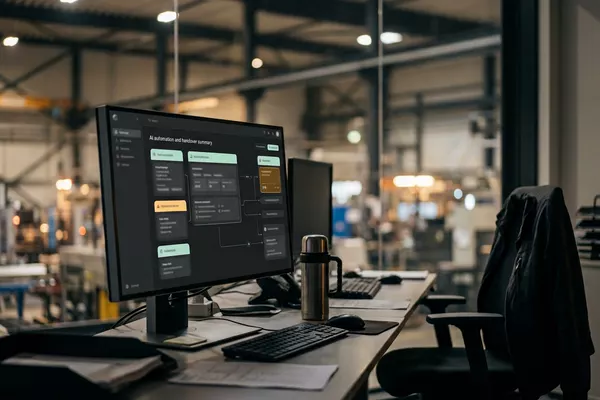
Spoken handover to Your logbook
What the evening shift knew, the morning shift does not.
Spoken handover with open items; the next shift confirms.
Manufacturing Logistics
Use case · Multiple locations · Manufacturing
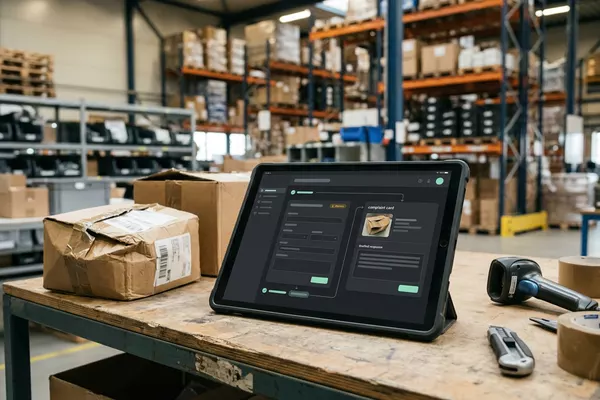
A defect is reported with a photo in the group chat, and after that nobody knows who picks it up. The automation prepares a task with a proposed name and deadline; your location manager decides how urgent it is.
Free · 30 minutes online · one process · no obligation After that: pilot from €2,450 · monthly package from €295 · excl. VAT
How the work runs
AIstap
the automation
Your task listFICTIONAL EXAMPLE
Fault cold room 2 · BredaFor review
In doubt? To your team first.
The report says not urgent; the photo shows the cold room at 9 degrees. Your location manager decides.
The report sinks in the group chat among the other messages, and nobody knows who picks it up.
A colleague keeps getting the same question: has the engineer been yet?
The photo is in the chat, the report in a mailbox, the appointment on a note.
4 steps by hand
1 step for your team
Possible impact, not a promise: what it brings depends on your process.
An example. What we build for you is agreed upfront.
Photo, text or voice: what, where and how urgent.
Reading a photo, message or voice message: what is broken, where and how urgent.
Urgency unclear? To your location manager first.
A check: if the urgency is unclear, your location manager sees the report first.
A proposal: who handles the fault, and by when.
A task with a proposed owner and date; final only after your location manager approves.
A reminder as long as the task is open.
A reminder to your team for as long as the task is open.
An example. Slide to your own numbers.
Full ring: one working week of 40 hours. Based on 5 working days a week.
What remains after automation is something we look at in the free analysis.
The automation prepares. Your people approve and decide when something is unclear.
The automation
Your location manager
Try it yourself
Fault cold room 2 · BredaFor review
UrgencyUrgent?
If the text and the photo contradict each other, your location manager sees the report first. The automation does not guess.
The automation
Your team
Your team decides urgency, engineer and repair. In this set-up the automation assesses nobody who reports a fault.
In this set-up no job goes to an engineer without your team. The automation only makes a draft.
Which connection is possible is something we look at in the free analysis.
The report arrives in your group chat and the task is then in your task list. Whether and how your systems can be connected is something we look at in the free analysis.
In this example
Group chat to task list: one process, two systems. The size of a pilot.
€0
You show us one process.
from€2,450
One working automation.
from€295/month
We keep it running.
Prices excl. VAT
All prices and stepsNo. In this set-up they report as they do today: with a photo or a message in the group. The automation prepares a task from it.
We look at that in the free analysis. In this set-up the task belongs in the system you already use.
Your location manager. The automation makes a proposal based on the report and puts any doubt to a person.
Spoken handover to Your logbook
Spoken handover with open items; the next shift confirms.
Manufacturing Logistics
Email from your customer to Your order system
Complaint prepared on the order; your customer service decides.
Wholesale Manufacturing
Spoken count to Your stock system
Spoken count prepared in your stock system. Your employee confirms.
Multiple locations Wholesale
Step 0 · free
Free, no obligation
Prefer to email directly? [email protected]