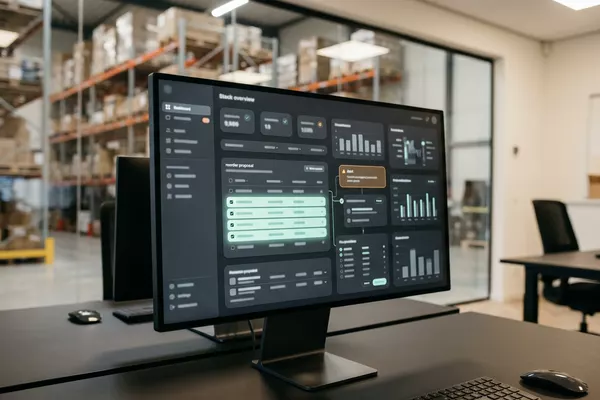
Request from a location to Your stock system
A shortage at one location, too much at another.
Transfer proposal in your stock system. Your stock controller decides.
Multiple locations Wholesale
Use case · Multiple locations · Wholesale
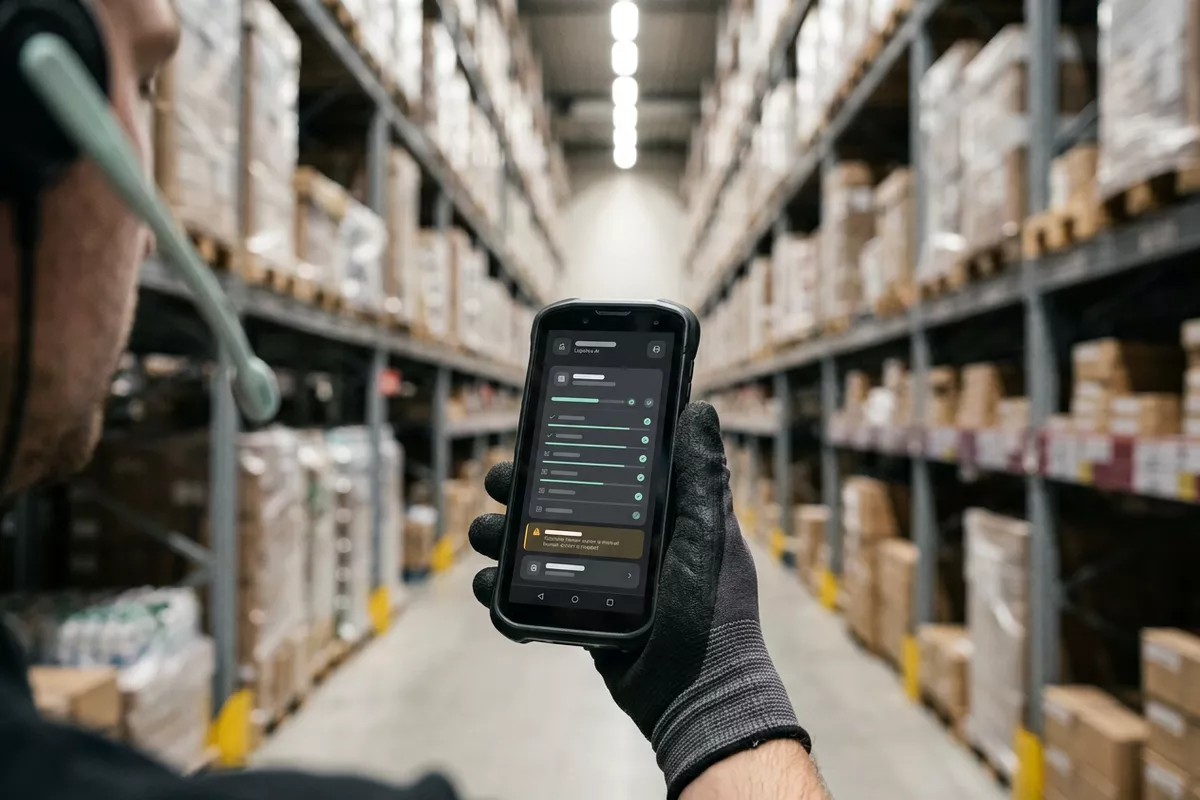
Your employee counts the stock on paper and then retypes everything into the stock system. With the automation your employee speaks the count while counting. The lines are prepared; your employee confirms them.
Free · 30 minutes online · one process · no obligation After that: pilot from €2,450 · monthly package from €295 · excl. VAT
How the work runs
AIstap
the automation
Your stock systemFICTIONAL EXAMPLE
Count cold room · 05-10To confirm
In doubt? To your team first.
The recording sounds like 6 or 16 boxes of cheese. Your employee decides.
The count is on a sheet of paper and is then retyped line by line.
When retyping a long list, a wrong number slips in unnoticed.
The count is still on paper, while a colleague needs the figures and the stock has already changed again.
4 steps by hand
1 step for your team
Possible impact, not a promise: what it brings depends on your process.
An example. What we build for you is agreed upfront.
Item, quantity and unit from what was spoken.
Turning what your employee speaks into lines with item, quantity and unit.
What was said, linked to your item list.
Linking what was said to the item list in your stock system.
Unclear? To your employee first.
A check: for an unclear quantity, the automation asks your employee first.
Final only after your employee approves.
Preparing the count in your stock system; final only after your employee has approved it.
An example. Slide to your own numbers.
Full ring: one working week of 40 hours. Based on 5 working days a week.
What remains after automation is something we look at in the free analysis.
The automation prepares. Your people approve and decide when something is unclear.
The automation
Your employee
Try it yourself
Count cold room · 05-10To confirm
Cheese6 or 16?
If a quantity is hard to make out, your employee sees the line first. The automation does not guess.
The automation
Your team
The counting itself, the confirming and the looking into a difference stay with your employees. In this set-up the automation counts nothing itself.
In this set-up a count is final only after your employee has approved it. The automation saves nothing as final by itself.
Which connection is possible is something we look at in the free analysis.
The count is spoken on a phone and then sits in your own stock system. Whether and how your system can be connected is something we look at in the free analysis.
In this example
From speech to stock system: one process, two systems. The size of a pilot.
€0
You show us one process.
from€2,450
One working automation.
from€295/month
We keep it running.
Prices excl. VAT
All prices and stepsThat depends on the room and on the phone or headset. We test it in the pilot at your own location. Whatever was not understood well goes to your employee first.
We do not assume so. Your employee counts as today; the automation links what is said to your item list. We test how well that works in the pilot.
For that the automation must be able to read your item list and write the count. Whether it can is something we look at in the free analysis.
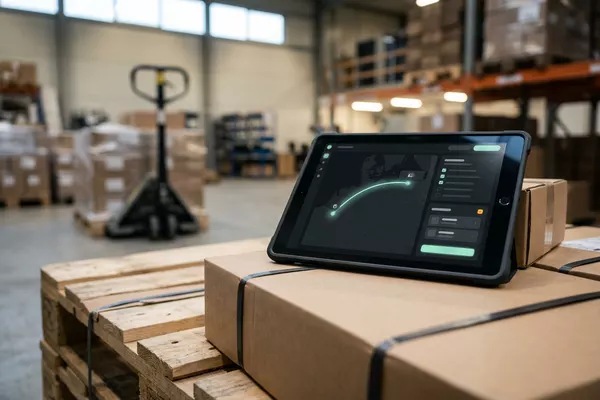
Request from a location to Your stock system
Transfer proposal in your stock system. Your stock controller decides.
Multiple locations Wholesale
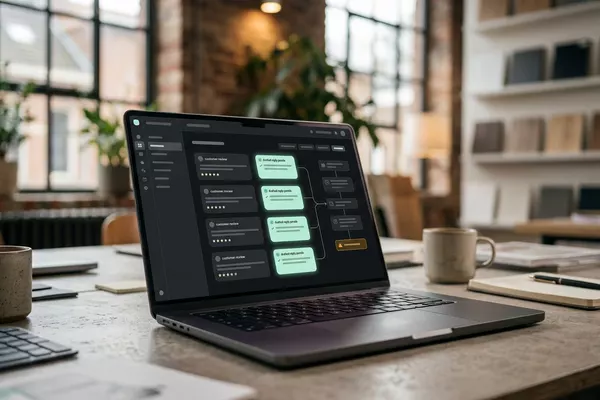
Stock and sales to Your order system
Reorder proposal in your order system (ERP). Your buyer adjusts and orders.
Wholesale Multiple locations
Customer reviews to Your review overview
Reviews read and grouped; your location manager decides.
Multiple locations
ERP: the system that holds your orders, stock and invoices.
Step 0 · free
Free, no obligation
Prefer to email directly? [email protected]