Spoken count to Your stock system
Stop counting on paper and retyping it all afterwards.
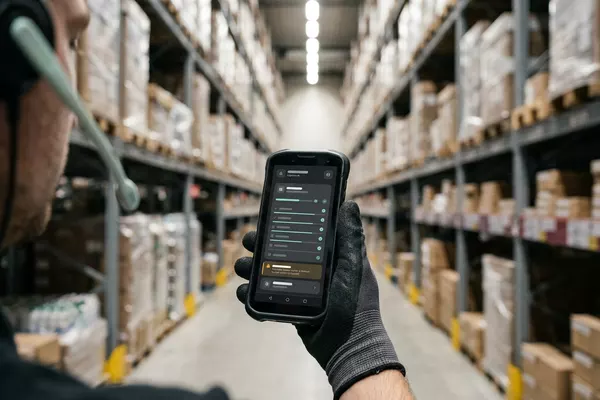
Spoken count prepared in your stock system. Your employee confirms.
Multiple locations Wholesale
Use case · Multiple locations · Wholesale
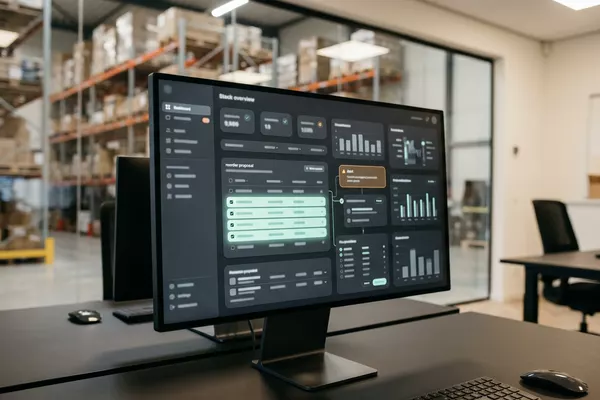
One location runs short of an item. The manager rings the other locations or reorders, while it sits on a shelf elsewhere. The automation finds where it is and proposes a transfer. Your stock controller decides.
Free · 30 minutes online · one process · no obligation After that: pilot from €2,450 · monthly package from €295 · excl. VAT
How the work runs
AIstap
the automation
Your stock systemFICTIONAL EXAMPLE
Transfer · item 201183Proposal
In doubt? To your team first.
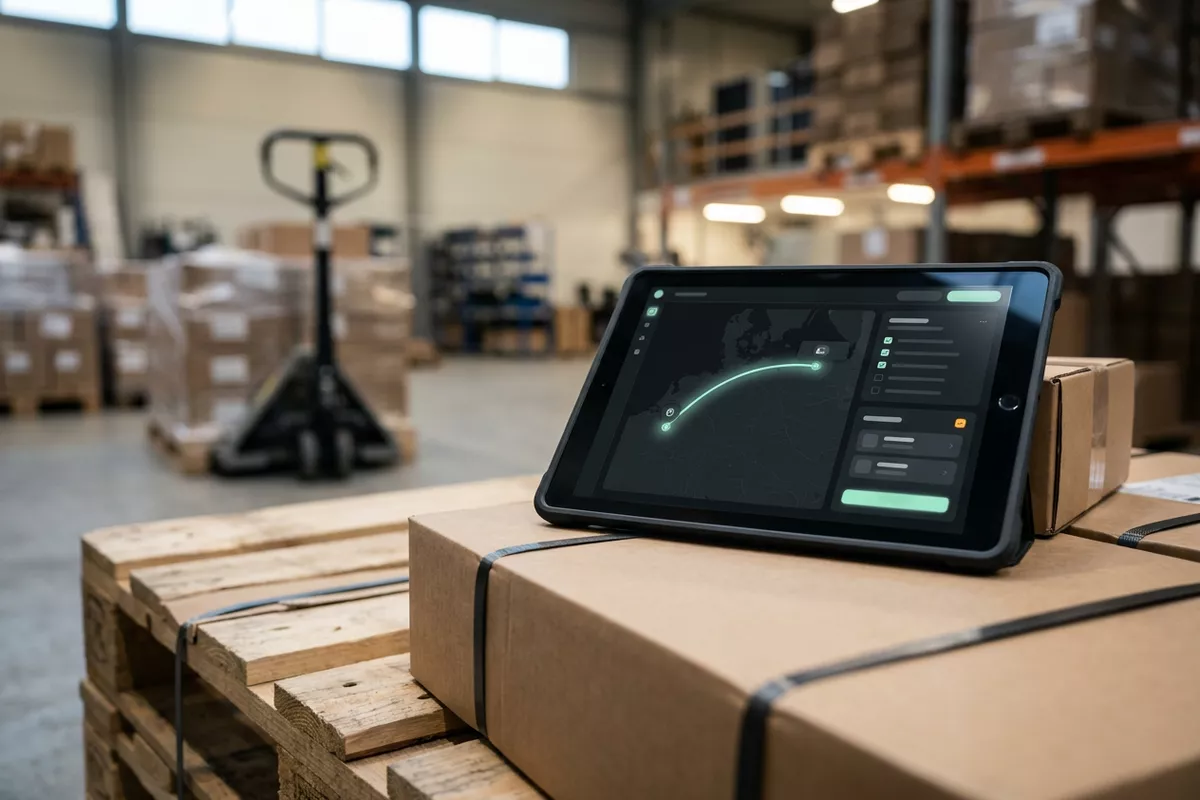
Tilburg asks for 40 boxes, Eindhoven has 30 free. Your stock controller decides.
The manager rings the other locations to ask who still has a box.
One location has to say no to a customer while the same item sits unsold elsewhere.
Each location keeps its own stock list, so nobody sees the whole picture.
4 steps by hand
1 step for your team
Possible impact, not a promise: what it brings depends on your process.
An example. What we build for you is agreed upfront.
All locations side by side, from your own lists.
The stock of all locations is brought together from your own lists and system.
Stock minus what is already reserved.
A search that shows, per location, what is free: stock minus what is reserved.
What Tilburg asks next to what Eindhoven has free.
A check: quantity asked next to quantity free; if they differ, your stock controller decides.
Final only after your stock controller approves.
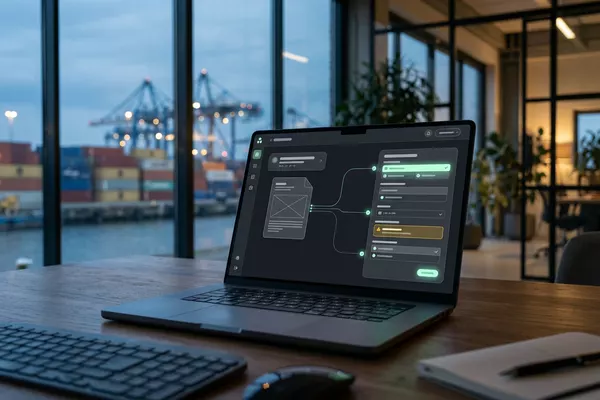
Preparing the transfer in your stock system; final only once your stock controller approves.
An example. Slide to your own numbers.
Full ring: one working week of 40 hours. Based on 5 working days a week.
What remains after automation is something we look at in the free analysis.
The automation prepares. Your people approve and decide when something is unclear.
The automation
Your stock controller
Try it yourself
Transfer · item 201183Proposal
Quantity40 or 30?
If the quantity asked does not fit what is free, your stock controller sees the proposal first. The automation does not guess.
The automation
Your team
Your team approves the transfer, arranges the transport and decides what gets priority. In this set-up the automation does not schedule a run.
In this set-up no message goes to a location and no stock is rebooked without the approval of your team.
Which connection is possible is something we look at in the free analysis.
The stock sits in the lists of your locations and comes together in your own stock system. Whether and how they can be connected is something we look at in the free analysis.
In this example
From lists to stock system: one process, two systems. The size of a pilot.
€0
You show us one process.
from€2,450
One working automation.
from€295/month
We keep it running.
Prices excl. VAT
All prices and stepsOnly if the automation can read those lists reliably. We look at that in the free analysis; sometimes one shared list is the first step.
Your own team, as today. In this set-up the automation does not schedule transport.
No. In this set-up the transfer is prepared as a proposal. The booking only becomes final once your stock controller has approved it.
Spoken count to Your stock system
Spoken count prepared in your stock system. Your employee confirms.
Multiple locations Wholesale
Stock and sales to Your order system
Reorder proposal in your order system (ERP). Your buyer adjusts and orders.
Wholesale Multiple locations
Invoice and packing list to Your customs file
Customs declaration drafted; your customs clerk files it.
Logistics Wholesale Manufacturing
ERP: the system that holds your orders, stock and invoices.
Step 0 · free
Free, no obligation
Prefer to email directly? [email protected]